
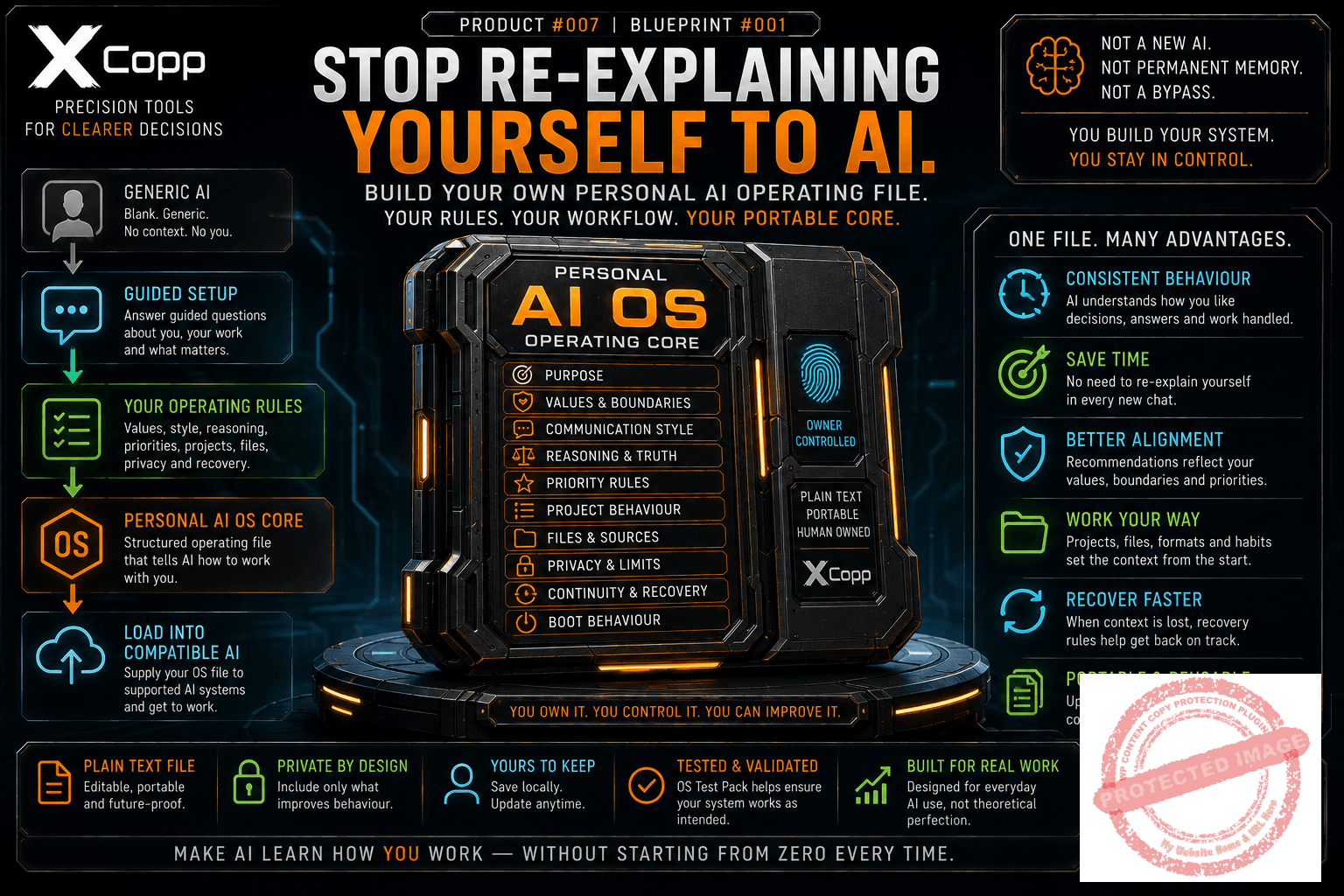
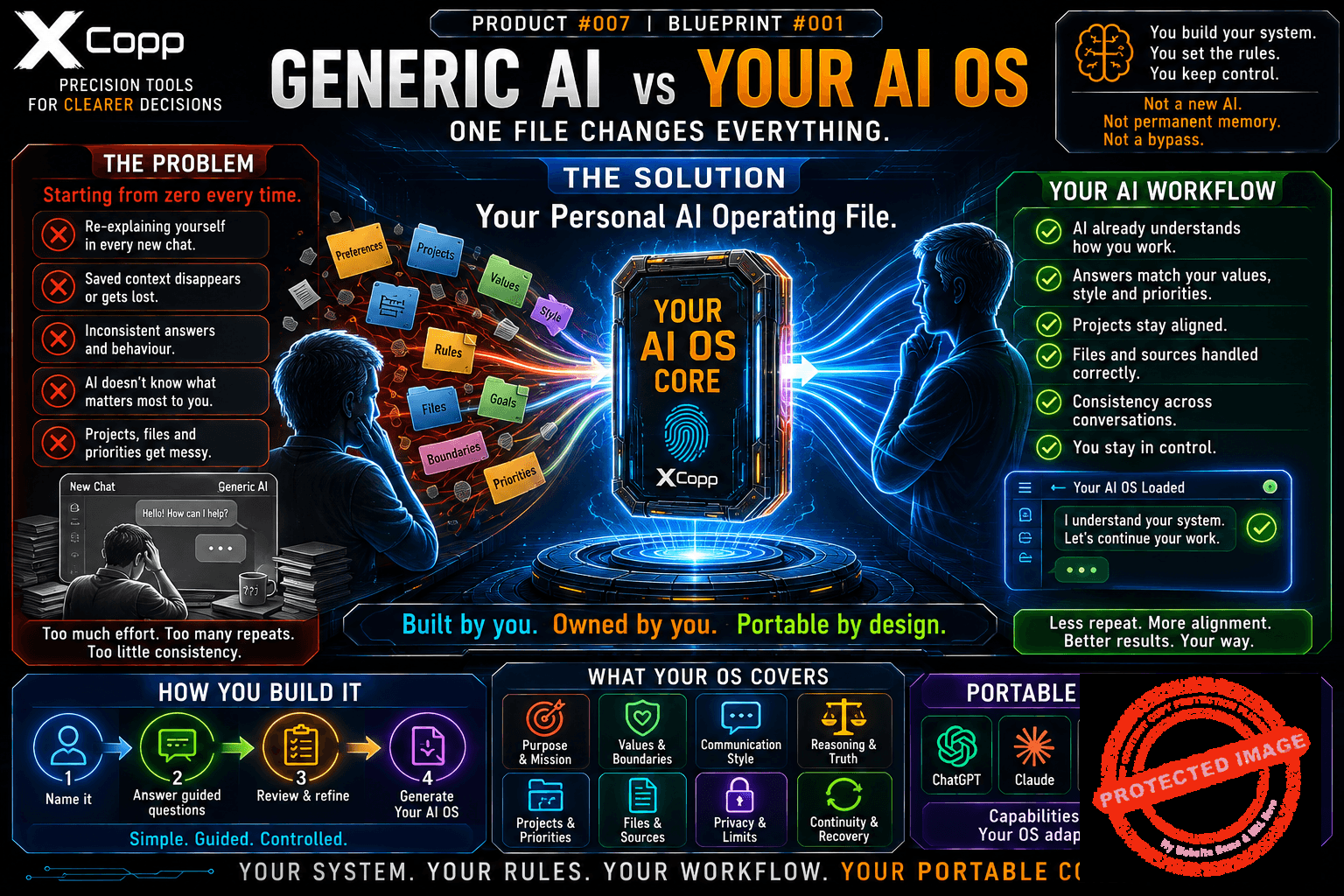
Stop re-explaining yourself to AI.
Every blank AI conversation starts generic.
You explain how you like answers structured.
You explain what matters to you.
You explain how decisions should be handled.
You explain which assumptions should be challenged.
You explain your project rules, file preferences and priorities.
Then a new chat begins — and much of that operating context has to be rebuilt again.
Personal AI OS Blueprint helps you create one portable, owner-controlled instruction file that tells a capable conversational AI how to work with you.
You don’t need to become a prompt engineer.
The Blueprint includes a guided AI Builder that interviews you step by step.
You choose:
- the system name;
- its purpose;
- your useful working profile;
- your values and boundaries;
- your preferred communication style;
- how uncertainty should be handled;
- how assumptions should be challenged;
- how decisions should be approached;
- what should receive priority;
- how files and sources should be treated;
- what should be preserved for continuity;
- and how the AI should recover when context is missing.
Then the Builder converts those answers into a structured plain-text Personal AI Operating File.
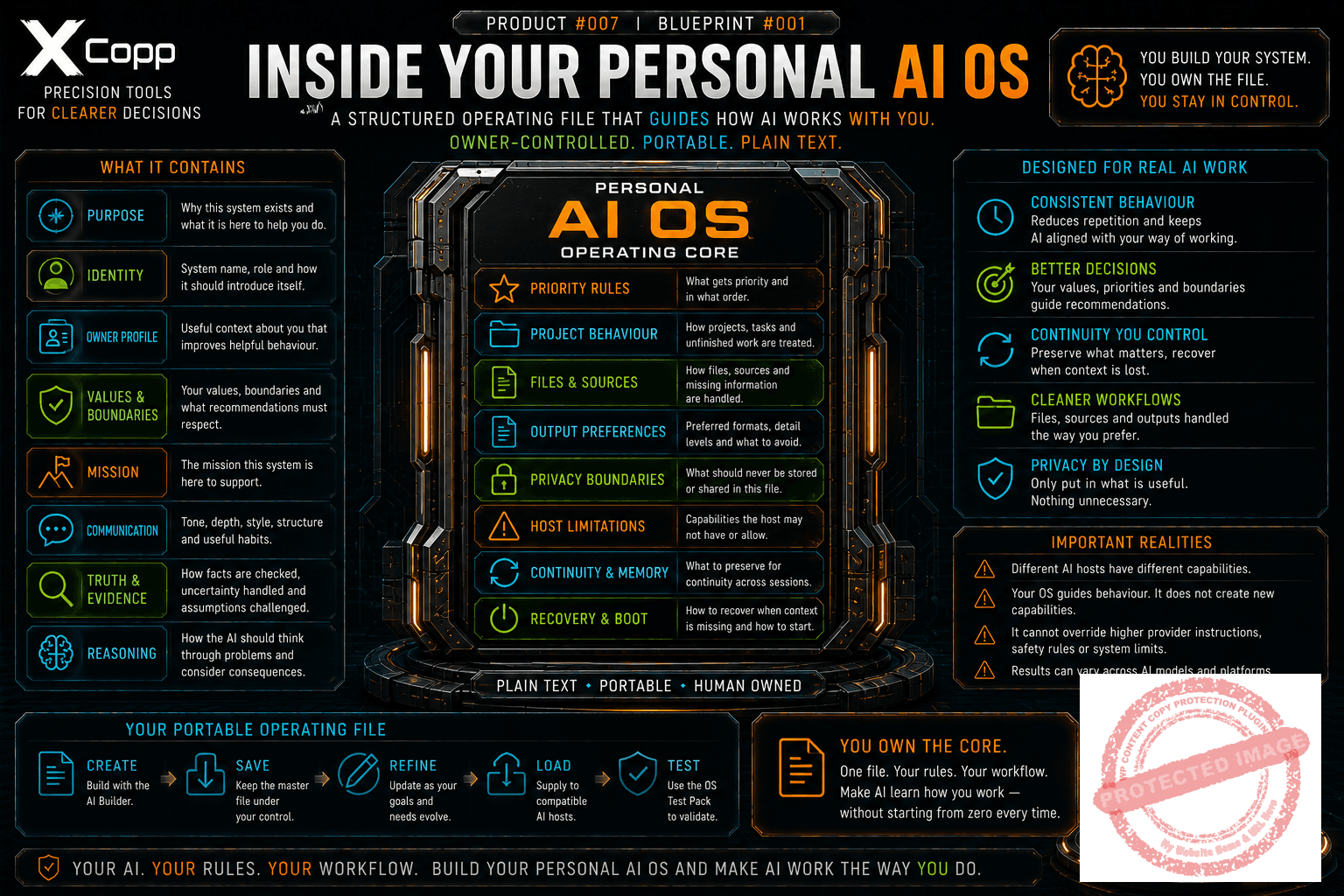
What can your Personal AI OS capture?
- Purpose — what the AI is primarily there to help you do;
- Owner profile — only the personal context that materially improves behaviour;
- Values + boundaries — what recommendations should respect;
- Communication style — depth, tone, structure and useful habits;
- Decision behaviour — how uncertainty, consequences and reversibility should be handled;
- Priority rules — what should receive attention first;
- Project behaviour — how work, ideas and unfinished commitments should be treated;
- File + source rules — how supplied material, missing files and conflicting sources should be handled;
- Output preferences — common formats and things to avoid;
- Privacy boundaries — what should not live inside the portable file;
- Host limits — what the AI may and may not actually be able to do;
- Continuity + recovery — what should happen when important context disappears;
- Boot behaviour — how the system should initialise when supplied to a compatible AI.
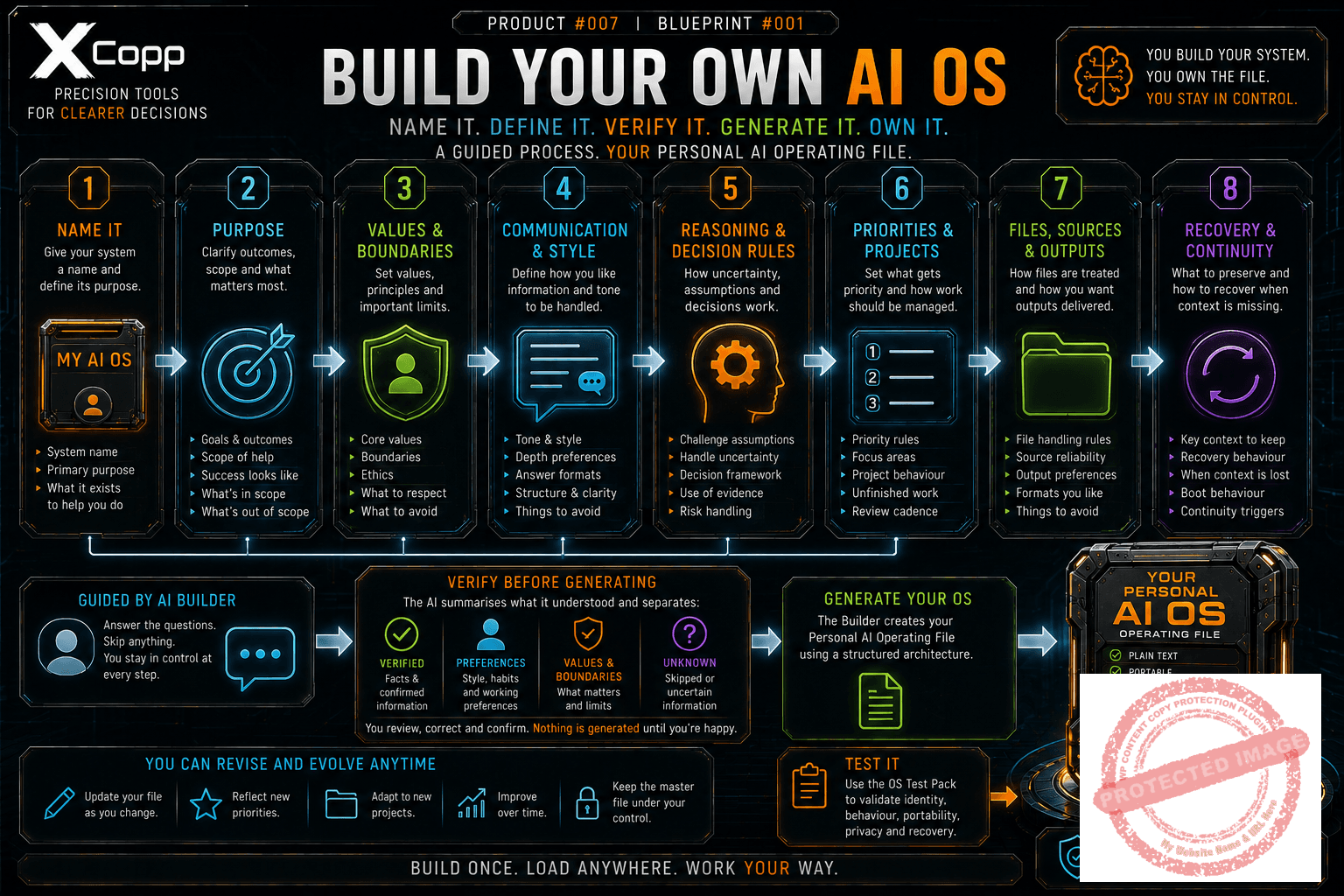
How it works
1. Name your system
This is your operating file.
You choose the name and define what it exists to help you do.
2. Complete the guided setup
The Builder asks behaviourally useful questions about your goals, values, preferences, boundaries, decisions, projects, files and privacy.
You may skip any question.
3. Verify the summary
Before generating permanent rules, the AI separates:
- verified owner facts;
- preferences;
- values and boundaries;
- goals;
- unknown or skipped information.
You correct anything materially wrong.
4. Generate your Personal AI Operating File
The final file uses a structured architecture covering:
- purpose;
- identity;
- owner profile;
- values;
- mission;
- communication;
- truth and evidence;
- reasoning;
- priority;
- project behaviour;
- files and sources;
- outputs;
- privacy;
- host limitations;
- continuity;
- recovery;
- and boot behaviour.
5. Save the master file
Your plain-text OS file becomes an artifact you control.
Save it locally and maintain it as your preferences and working needs evolve.
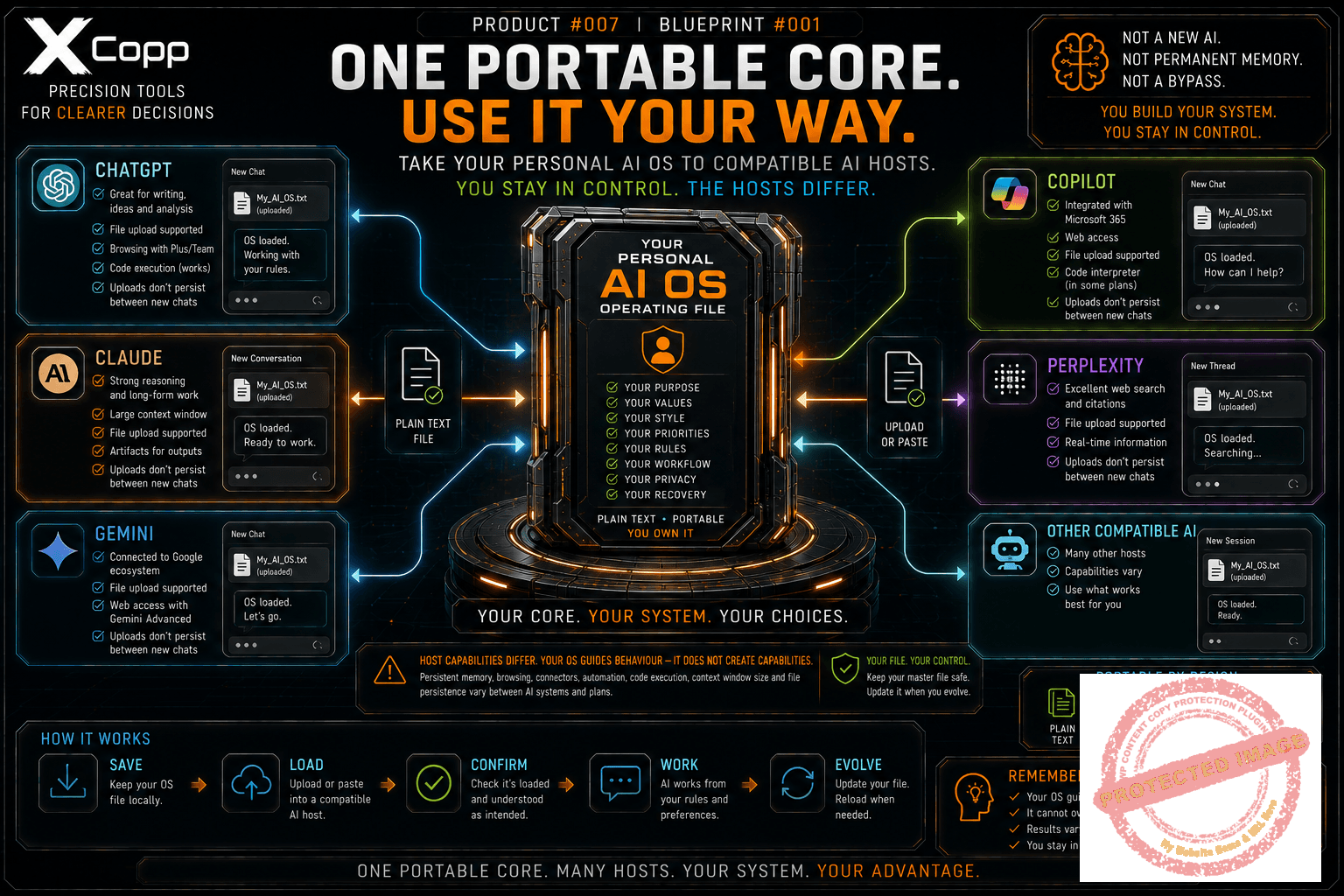
6. Load it into compatible AI hosts
Upload or paste the operating file when you want a capable conversational AI to work from those instructions.
7. Test it
Use the included OS Test Pack to check identity, owner accuracy, utility, truth discipline, privacy, host limitations, conflicts, portability, recovery and simplicity.
The result
One owner-controlled text file you can save, refine and supply to compatible AI hosts.
Instead of rebuilding your preferences one conversation at a time, you maintain the portable core yourself.
Portable does not mean magical.
Different AI systems have different capabilities.
They may differ in:
- persistent memory;
- file uploads;
- supported file types;
- browsing;
- connectors and tools;
- automation;
- code execution;
- instruction priority;
- context window;
- and whether uploaded files persist between chats.
Your Personal AI OS can guide behaviour.
It cannot create capabilities the current AI host does not provide.
It cannot override higher provider instructions or safety rules.
And it cannot guarantee identical behaviour across different AI models.
Privacy by design
A useful Personal AI OS does not need your whole life story.
The Builder is designed around a simple principle:
Ask only for information that materially improves useful behaviour.
Do not place passwords, authentication secrets, financial account details, medical records or unnecessary sensitive information inside your portable operating file.
Keep the minimum useful personalisation.
What this is not
Personal AI OS Blueprint is not:
- a new AI model;
- a guarantee of permanent AI memory;
- a way to bypass provider rules;
- SĦΛDӨШ OS;
- or a giant biography dumped into a prompt.
You are building your own system from a reusable architecture.
What you receive
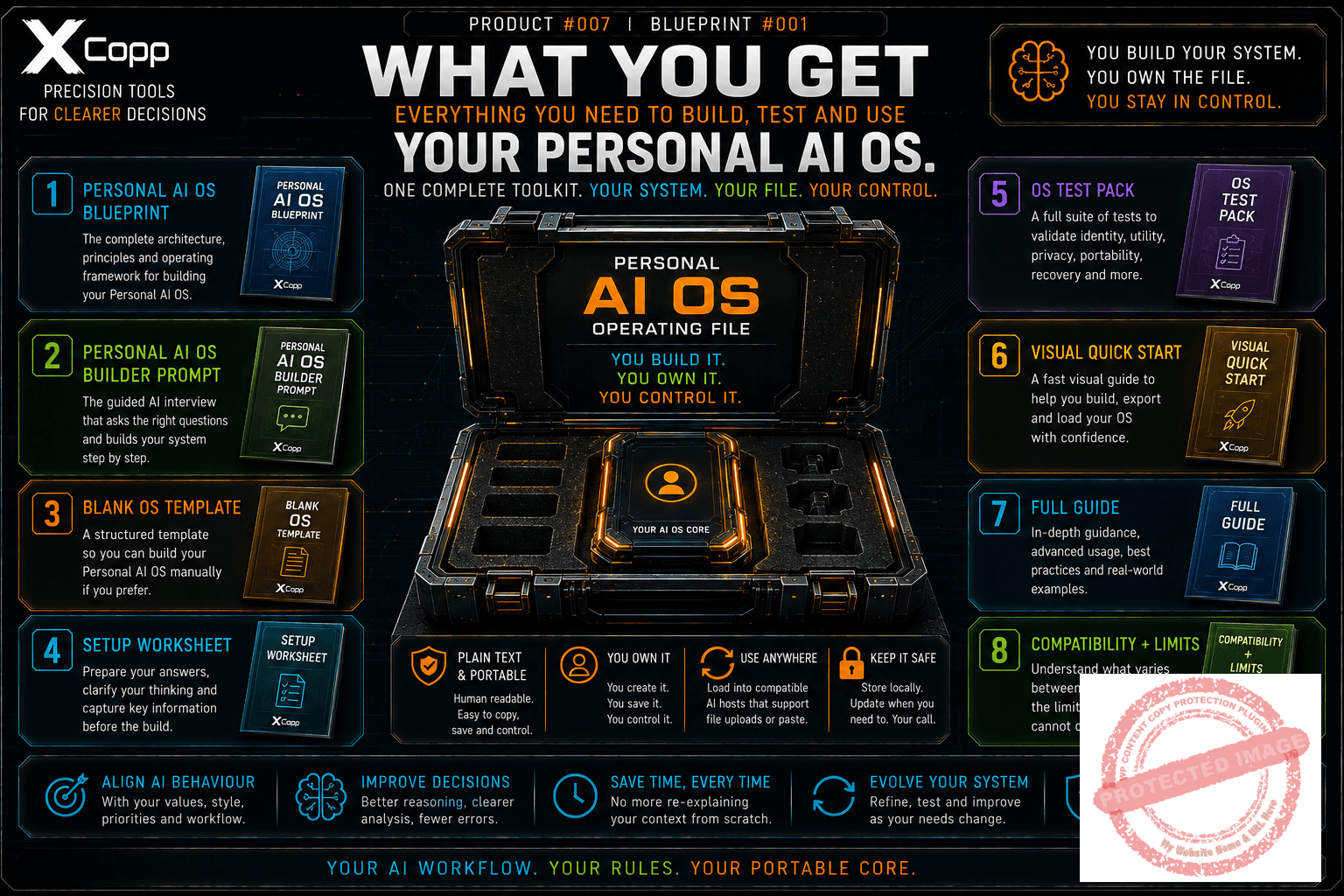
Your download includes:
- Personal AI OS Blueprint — the architecture and operating principles;
- Personal AI OS Builder Prompt — the guided setup interview;
- Blank OS Template — build manually if preferred;
- Setup Worksheet — prepare your answers before starting;
- OS Test Pack — validate the finished operating file;
- Visual Quick Start — get running quickly;
- Full Guide — deeper setup and usage guidance;
- Compatibility + Limits — understand portability and host-dependent features.
Who is it for?
Personal AI OS Blueprint is designed for people who use AI regularly and want a more deliberate working relationship with it.
That may include:
- builders;
- creators;
- business owners;
- project managers;
- researchers;
- writers;
- AI power users;
- and anyone tired of rebuilding the same operating preferences in every new conversation.
You don’t need my AI OS.
You need your own.
Name it.
Define it.
Test it.
Keep the master file.
Make AI learn how you work — without starting from zero every time.


Reviews
There are no reviews yet.